Write a Packing Slip for the First Box in a Split Order
List only what is in the first parcel, label what is still pending, and match each packing slip to its shipment and tracking record.

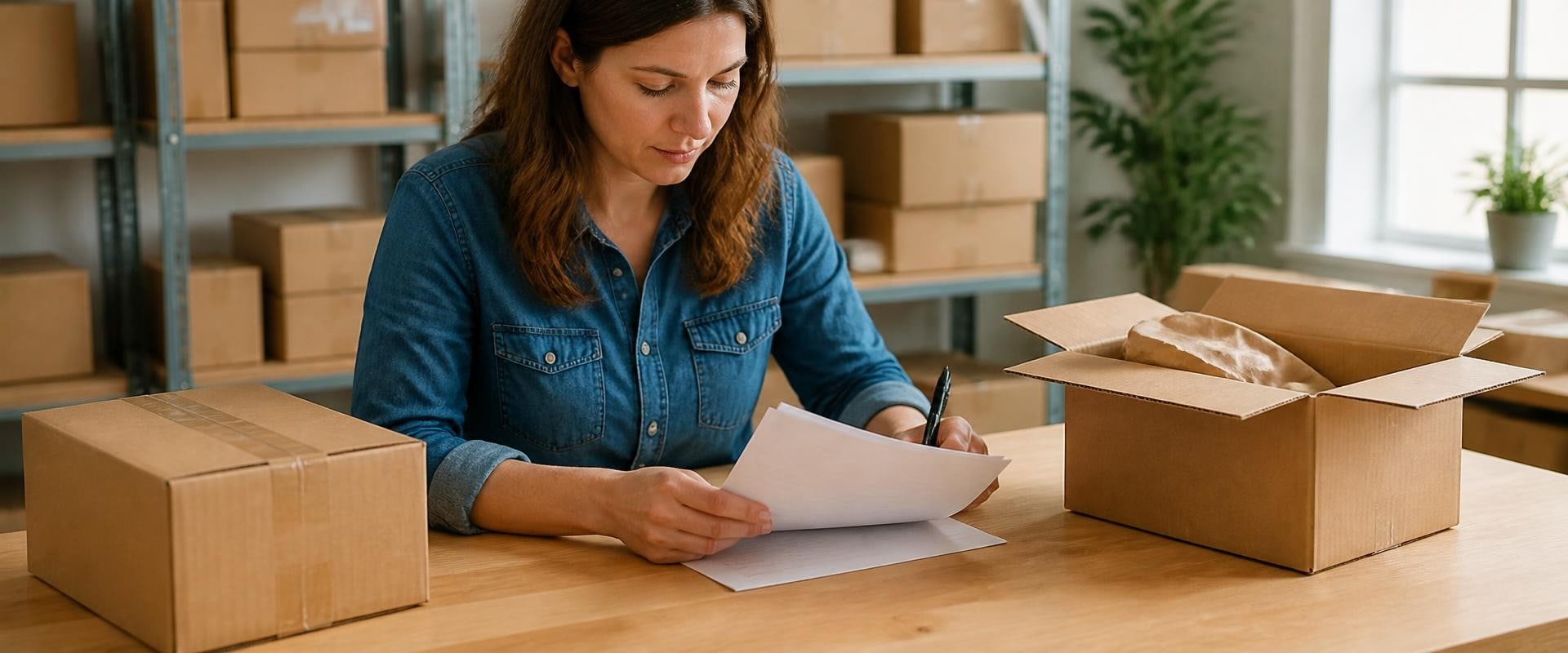
Suppose a customer orders three towels and a tray. Two towels and the tray are packed today, while the third towel will ship separately. A slip listing all four items as packed makes the first box look incomplete even when it arrived exactly as intended. List what is actually in the parcel, then identify anything still pending in a separate section.
Start with the carton in front of you
Use the order number and a shipment or carton reference to identify the slip. List each product, its variant if needed to tell it apart, and the quantity inside this box. Match the printed list to the actual contents before closing the carton. If you know the total number of parcels, a label such as “Parcel 1 of 2” helps. If the total is uncertain, use the individual reference without promising a parcel count.
Make sure the reference identifies the physical carton when one fulfillment covers more than one box. A shipment-level slip can still be too broad for an individual carton. In that case, check the printout and add a carton-level record if your workflow requires one. Shopify's guide to printing order documents describes separate packing slips for separate shipments in one order; that is not a promise that the platform creates a distinct carton record for every physical box.
Give pending items their own line
Here is a fictional example for order DEMO-104. At the time the first box is packed, the shop has confirmed a second parcel.
- Parcel 1 of 2, DEMO-104-A: Packed in this parcel: 2 blue kitchen towels and 1 bamboo tray.
- Still to ship: 1 blue kitchen towel. This is not in the first parcel.
- Later, parcel 2 of 2, DEMO-104-B: Packed in this parcel: 1 blue kitchen towel.
The packed quantities across the two slips add back to the three towels and one tray on the order. The pending line records the status at the time the first slip was prepared; it does not count as a packed quantity. If the order changes, reconcile against the updated order rather than against an earlier plan.
Make the customer update match the slip
When the first parcel has shipped, use that parcel's tracking details if available. A short example: “Your first parcel contains two blue kitchen towels and the bamboo tray. The remaining blue towel will ship separately. We'll send its tracking details when available.” Use a dispatch date only if your team has confirmed it. Do not describe the remaining item as shipped just because the first parcel has tracking.
Make the support record match the box
Keep each shipment or carton reference beside the products and quantities it covers in the order record. If the customer says the tray is missing, support can identify which carton was supposed to contain it. If the question is about the remaining towel, support can check the current status instead of relying on the earlier printed slip.
When the remaining parcel ships, update its record and send its tracking details when available. Before closing the order, compare the packed and shipped quantities with the current order one more time. Keep copies of the slips or the corresponding shipment records in the authorized store system so the team can trace what went in each box.


